Guidance that sounds like a voice.
Natural voice guidance calls the turns so you can keep your eyes on the road.
Severe weather and tornado alerts can also be read aloud, separate from turn-by-turn guidance. Mute one without losing the other.
Play audio through your car over Bluetooth.
- Natural voice guidance for turns
- Spoken official severe weather and tornado alerts (optional)
- Bluetooth-ready audio in the car
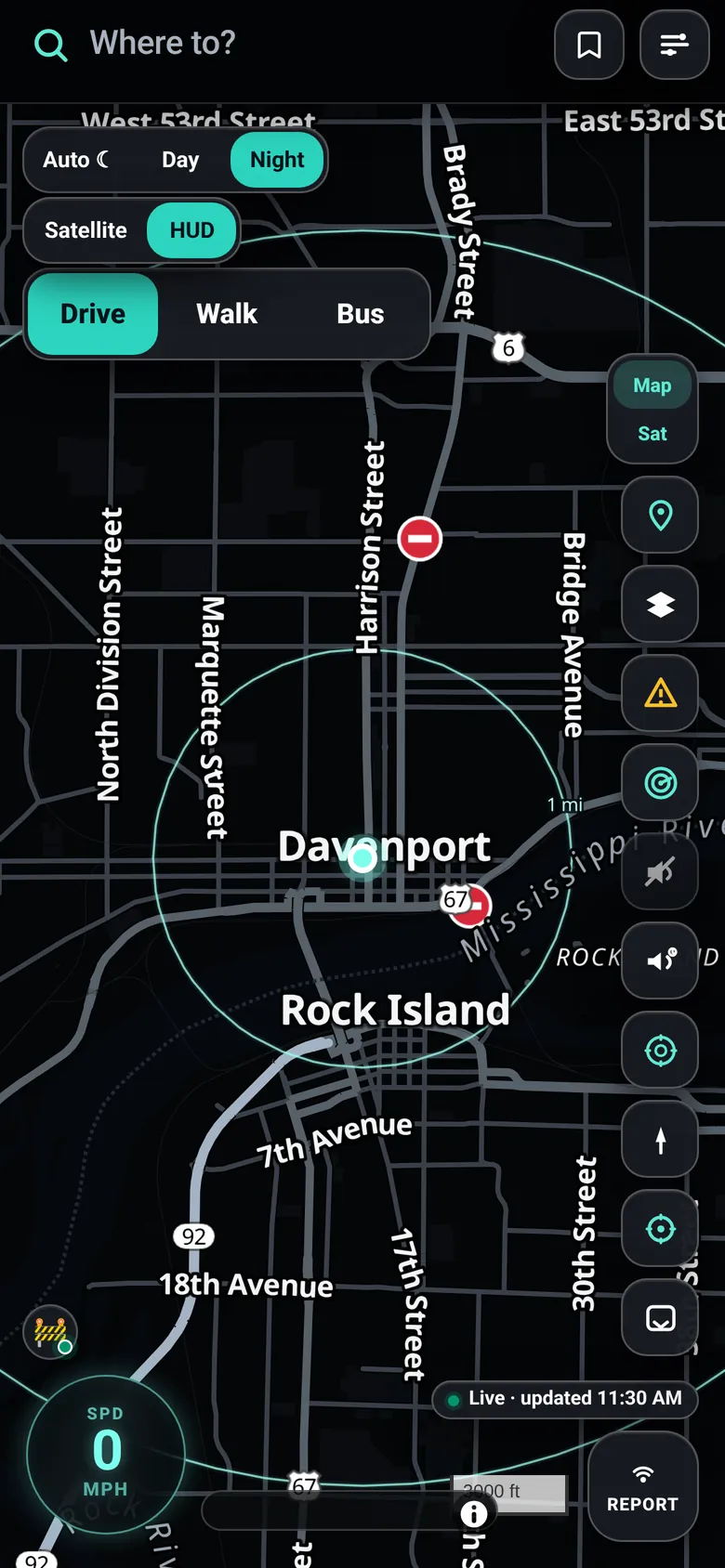
Image credits
Screenshot of the Navar Maps live preview, 29 Nov 2026, real data at capture time
Radar: National Weather Service
Map data © OpenStreetMap contributors · tiles OpenMapTiles / OpenFreeMap
Neural voice
Turns are spoken by a natural neural voice, with a choice of voices. If the voice server is busy, your browser's built-in voice takes over.
Spoken alerts
Tornado and in-area weather warnings are read aloud. Turn speech off and the banners still show.
Say “find gas.”
Tap the Places mic and ask for gas or food, in browsers that support speech recognition.
Bluetooth in the car
Pair your phone and let guidance play over the car speakers. The map stays on the mount.
Two mute switches
Turn-by-turn guidance and spoken weather alerts have separate controls. Mute the turns and you can still hear a warning. Mute the warnings and the turns keep going.
“Get off at…”
On a bus trip, the same voice calls the stop so you know when to step off.
Honest limits
- Navar Maps is not a life-safety system. Follow official weather warnings and local authorities.
- Spoken alerts are an aid, not a substitute for official warnings or a weather radio.
- Voice place search needs a browser with speech recognition.
- If the neural voice is unavailable, guidance falls back to the browser voice.
Get early access
Be first to drive with the weather built in.
Navar Maps is not a life-safety system. Follow official weather warnings and local authorities.